Google Maps7 min read
How to promote your business on Google Maps
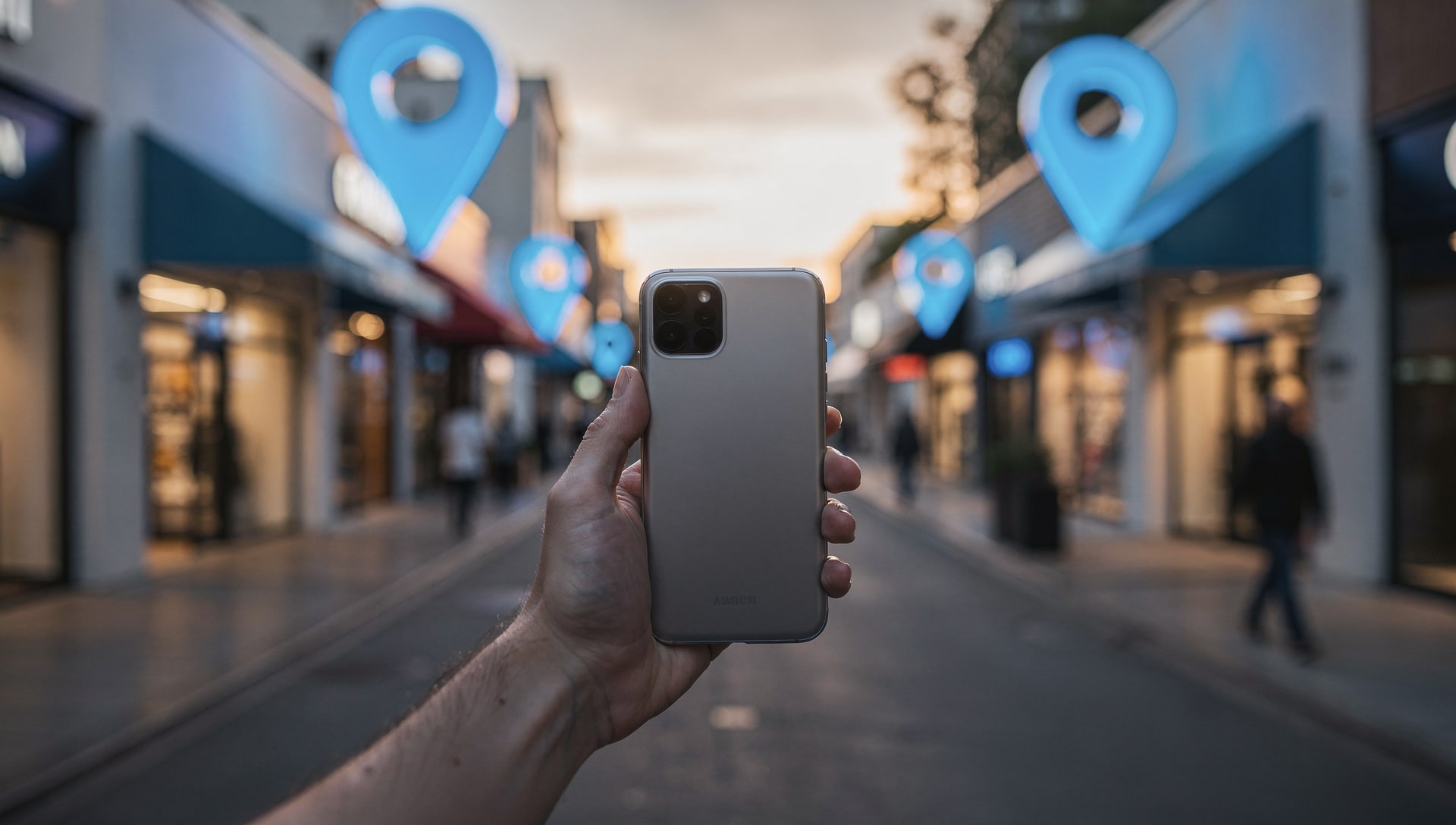
For a local service business, Google Maps is the storefront. When someone searches for a plumber, an electrician, or an auto shop "near me," Google shows a map and three business listings above everything else. Most of the clicks and calls go to those three. This guide walks through exactly how to promote your business on Google Maps so you're one of them.
Why Google Maps is where local customers decide
Local searches carry intent. Someone typing "emergency plumber near me" isn't researching. They're about to call. The Google Maps pack answers that search with a short, ranked list, and the businesses at the top capture the demand. Promoting your business on Maps means earning one of those spots and making your listing the obvious choice once you're there.
1. Claim and verify your Google Business Profile
Everything starts with your Google Business Profile (formerly Google My Business). Search for your business on Google, claim the listing, and complete verification. An unclaimed or unverified profile can't be optimized and won't compete.
2. Choose the right primary category
Your primary category is one of the strongest relevance signals Google has. "Plumber," "HVAC contractor," and "Auto repair shop" each tell Google which searches you should appear for. Pick the most specific category that matches your core service, then add secondary categories for the other services you genuinely offer.
3. Fill out every field
Complete profiles rank and convert better than sparse ones. Add your services, business description, hours, website, phone number, and attributes. If you're a service-area business, set your service areas accurately rather than stuffing in every nearby city.
4. Get more Google reviews the right way
Reviews are both a ranking signal and the deciding factor for customers choosing between two nearby businesses. The safe way to get more is to make it effortless for happy customers to leave one. Tap-to-review cards and QR/NFC tags that link straight to your review form remove all the friction. You can read more about review tools here. Never buy reviews or write fake ones.
5. Add photos and keep them fresh
Profiles with recent, real photos of your team, work, and vehicles look active and trustworthy. Upload new photos regularly instead of a one-time dump at setup.
6. Use Google Posts
Google Posts let you publish offers, updates, and seasonal reminders directly on your profile. They keep the listing active and give customers timely reasons to call. Consistency matters more than volume.
7. Keep your NAP consistent everywhere
Your Name, Address, and Phone number should match exactly across your website, directories, and social profiles. Inconsistent citations confuse Google and quietly hold rankings back.
8. Track where you actually rank
Your ranking changes depending on where the searcher is standing, so a single position is misleading. Grid rank tracking scans your rank across many points in your service area and shows you exactly where you're strong and where competitors own the map. It's the difference between guessing and knowing.
9. Turn Maps visibility into booked jobs
Visibility only pays off if it converts. Make sure your phone gets answered, your hours are accurate, and your reviews tell a consistent story. Promotion gets you seen; the fundamentals get you hired.
Want the top of the map without doing all of this yourself? Our Google Maps ranking service handles the whole process for trades and other local businesses. When you're ready, the next read is how to rank higher on Google Maps.