Local SEO6 min read
Google Business Profile Optimization: A Practical Guide for Local Businesses
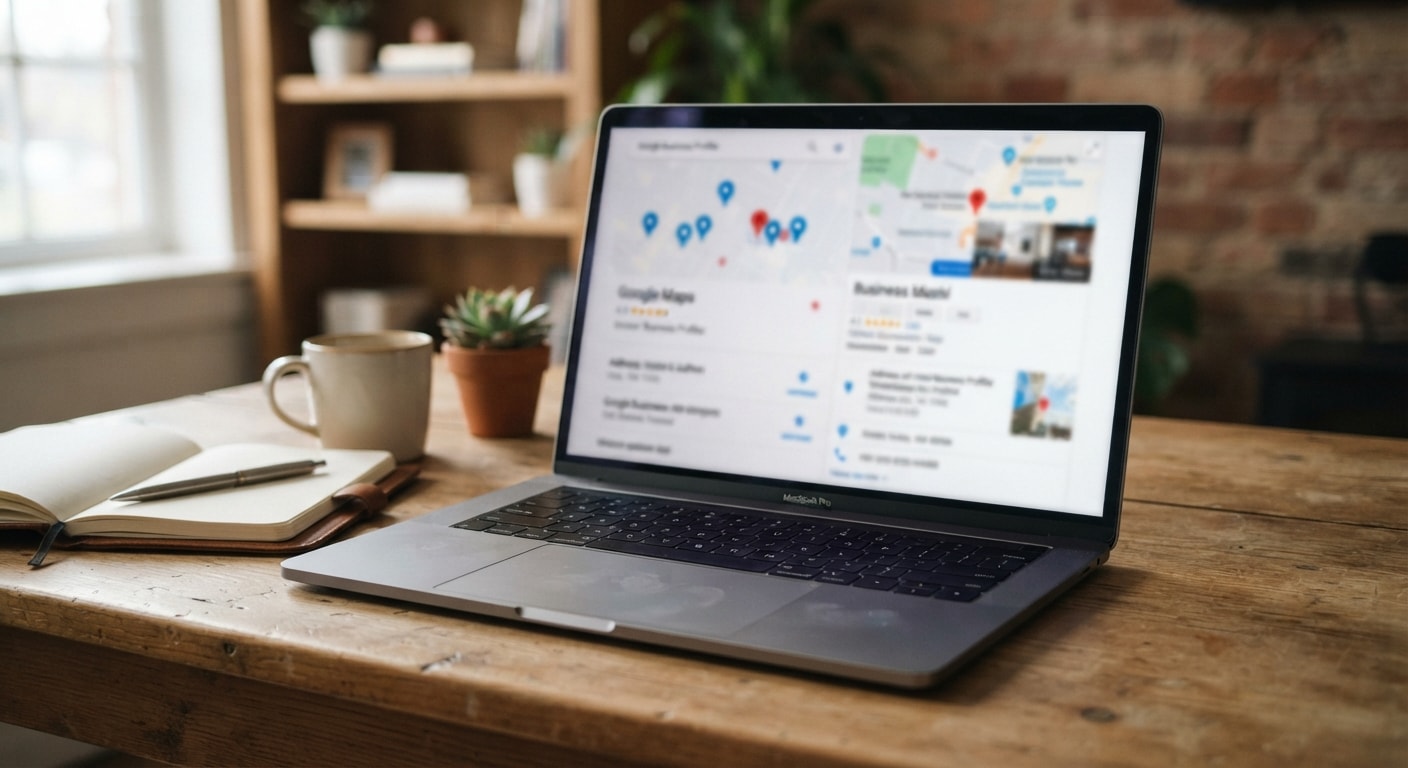
When someone nearby searches for a service, Google often shows a map and a short list of businesses before the regular search results. That listing may be the first impression a potential customer has of your company. Google Business Profile optimization helps you make that impression accurate, useful, and easy to act on.
A well-managed profile cannot replace good service or a clear website. It can, however, help local customers find the right information at the moment they are deciding where to call, visit, or request more details. Small errors, outdated photos, missing services, and unanswered reviews can all make a profile less helpful.
What does Google Business Profile optimization include?
Optimization is the ongoing work of improving the information and customer experience attached to your Google Business Profile. It starts with the basics, then continues through updates, photos, reviews, service details, and performance checks.
The goal is consistency. Your business name, phone number, website, service area, hours, and category should tell the same story across your profile and other public business listings. When details conflict, customers may hesitate, and Google may have a harder time understanding which searches are relevant to your business.
Optimization also means reviewing how the profile looks to a real customer. Can someone tell what you do within a few seconds? Can they see where you serve? Is the phone number correct? Are the listed hours current? Does the profile offer a useful next step?
Which profile details should you fix first?
Begin with the information that affects a customer before they contact you. Work through this short checklist:
- Business name: Use the real-world business name customers recognize. Avoid adding extra keywords or locations to the name field.
- Primary category: Choose the category that most closely describes the main business. Additional categories should reflect genuine services, not every possible search.
- Phone number: Test the number from a mobile device. Confirm that calls reach the right person or department.
- Website: Check that the link loads properly and sends visitors to a relevant page.
- Hours: Update regular hours, holiday hours, and temporary closures. Incorrect hours create frustration quickly.
- Address or service area: Make sure the profile reflects how customers actually interact with the business. A company that visits customers may need a service-area setup rather than a public storefront address.
Do not make several major changes without keeping a record. If visibility changes later, notes about what was edited can help you understand what happened.
How should you choose categories and services?
Categories help Google connect a business with relevant searches. Choose the primary category based on the main service or business function. For example, a company may offer several related services, but the primary category should still describe what it is best known for.
Use the services section to explain the work customers can actually request. Keep names plain and specific. A service such as brake repair, emergency heating repair, or drain cleaning is easier for a customer to understand than a vague phrase such as complete solutions.
Where available, add a short description that explains what the service involves. Avoid stuffing every location or keyword into the text. A natural description gives customers more confidence and makes the profile easier to read.
What kind of photos help a local profile?
Photos give people a quick sense of what to expect. Choose clear, current images that represent the business accurately. Useful options may include the exterior, interior, team, equipment, completed work, or products, depending on the business.
For a company that visits homes or commercial sites, photos of completed projects or branded vehicles may help customers recognize the business. For a location-based business, exterior and entrance photos can reduce confusion when someone arrives.
Quality matters more than quantity. Blurry, heavily edited, outdated, or unrelated images can weaken confidence. Review older photos periodically and remove images that no longer represent the business. A regular upload schedule is helpful, but only when there is something genuine to show.
How can posts and updates make a profile more useful?
Profile updates can answer timely questions and give customers a reason to visit the website or contact the business. Keep each update focused on one subject. A post might explain a seasonal service, announce a schedule change, highlight a recent project, or direct customers to a useful page.
Write for someone who is already considering the business. State what the update is about, who it may help, and what action to take next. Use a clear link when one is needed. Check the link after publishing, especially if it leads to a form or booking page.
Do not publish filler simply to make the profile look active. A short, useful update is stronger than a long message filled with repeated search terms.
What is the right way to manage Google reviews for a local business?
Reviews are part of the customer experience, not just a number on a profile. Ask satisfied customers for honest feedback after a completed interaction. Make the request simple and provide the direct review link when possible. Do not pressure people to use particular wording or offer something in exchange for a positive review.
Respond to reviews with a calm, personal message. Thank the customer for positive feedback and refer to a specific detail when appropriate. For a negative review, acknowledge the concern, avoid arguing in public, and invite the customer to continue the conversation privately through an appropriate contact method.
Responses should not reveal private customer information. They also should not copy the same sentence under every review. A thoughtful response shows that someone is paying attention.
Can profile optimization improve Google Maps ranking?
Google Maps ranking depends on several factors, including relevance, distance, and prominence. No profile edit can guarantee a particular position. Still, complete and accurate information gives Google a clearer understanding of the business and gives customers better reasons to choose it.
Relevance comes from matching the business to the services people search for. Distance is affected by where the searcher is located and where the business serves customers. Prominence can be influenced by the business reputation, public information, and customer activity.
Focus on accurate categories, genuine services, helpful photos, consistent business information, and steady review management. Avoid tactics such as adding unnecessary locations to the business name or creating profiles for places where the business does not operate. Those shortcuts can create policy problems and may contribute to a Google Business Profile suspended situation.
How often should you review your profile?
A profile deserves regular attention, especially when the business changes hours, services, staff contact details, or service areas. A monthly review is a practical starting point. Check the listing after holidays, relocations, major website changes, and unusual customer questions.
Keep a simple record of important updates. Include the date, what changed, and any noticeable effect on calls, website visits, direction requests, or customer questions. Local rank tracking can add useful context by showing how visibility changes across different areas and searches, rather than relying on one search from one location.
Use performance data as a guide, not as the only measure of success. A profile that produces fewer calls but more qualified inquiries may be performing better for the business. Ask which actions lead to real conversations and completed work.
When should you get help with Google Business Profile management?
Some owners can manage the basics in a short monthly routine. Others need help because they have multiple locations, limited time, inconsistent business information, or a profile that has lost visibility. Support can be useful when updates, review responses, photos, and reporting are being neglected.
GMB Done Right provides marketing support focused on Google Business Profile management, Google Business Profile optimization, Google Maps ranking, and local SEO services. Visit GMB Done Right to learn more.
The best profile is accurate, current, and genuinely helpful. Start with the details customers need most, keep the information consistent, respond to feedback with care, and review performance over time. That steady work gives local customers a clearer path from search to contact.